1 of 7
Keyboard and mouse, by one key
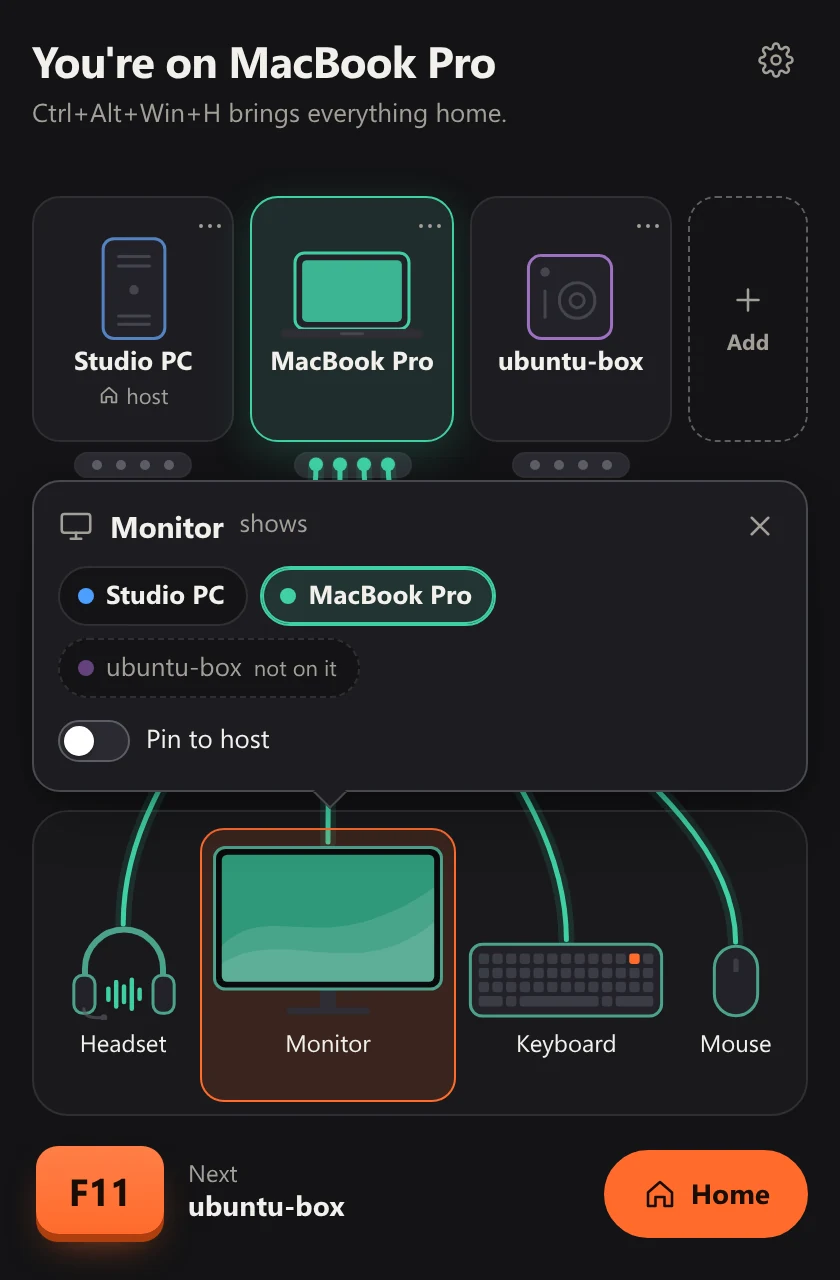
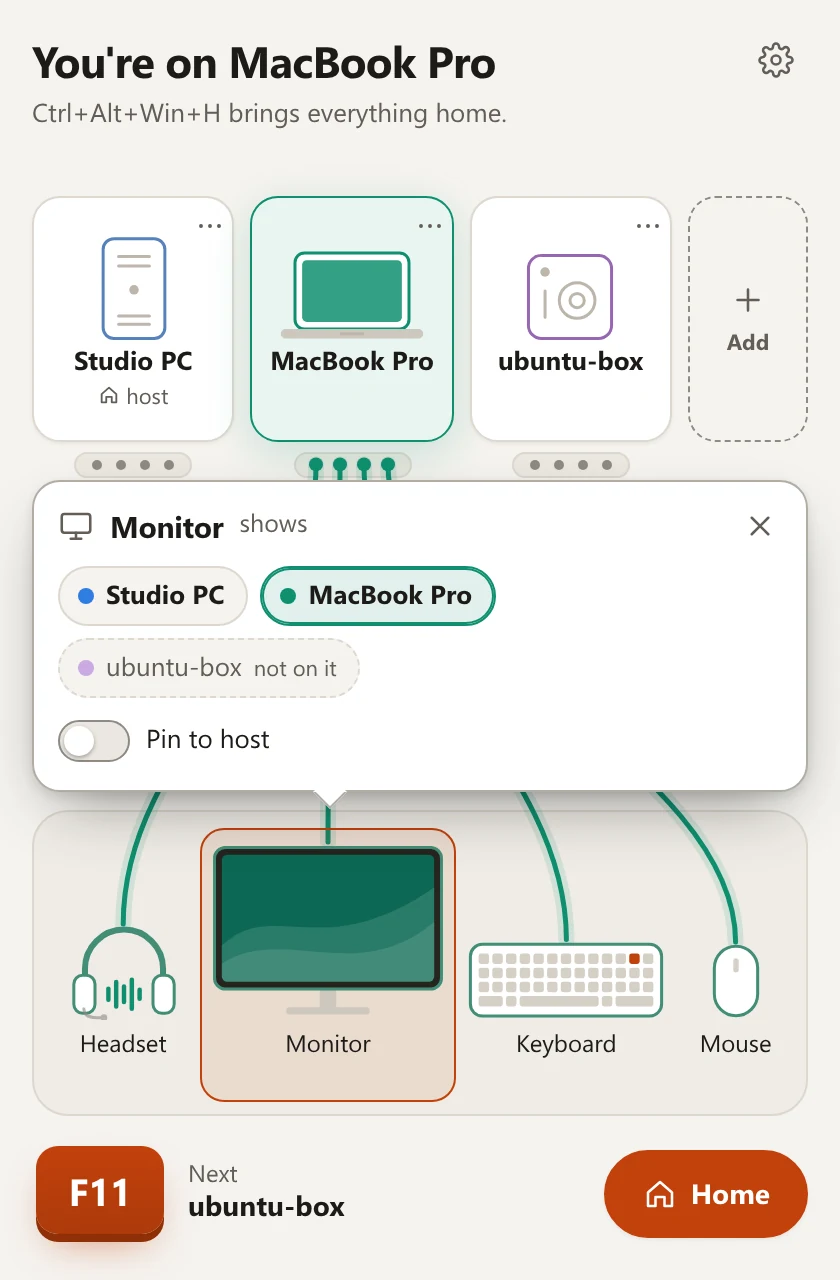
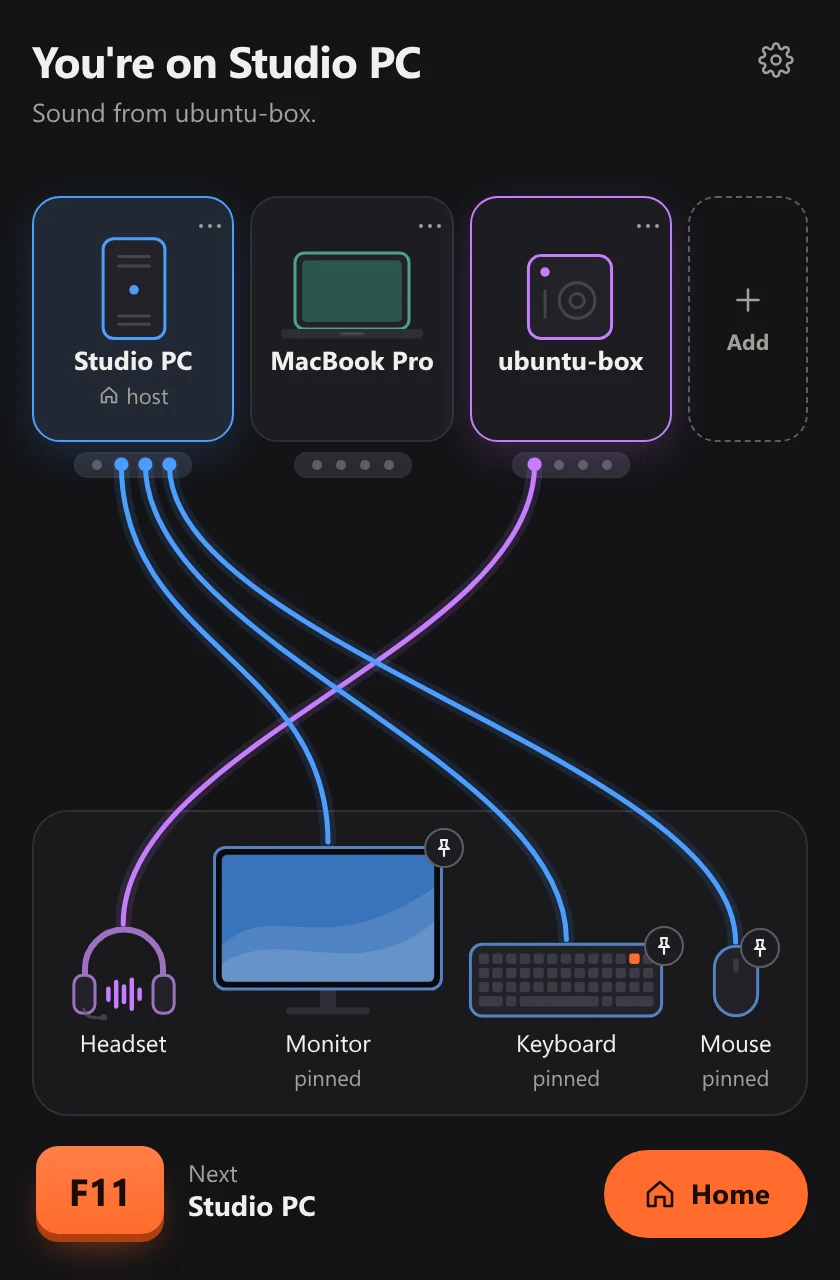
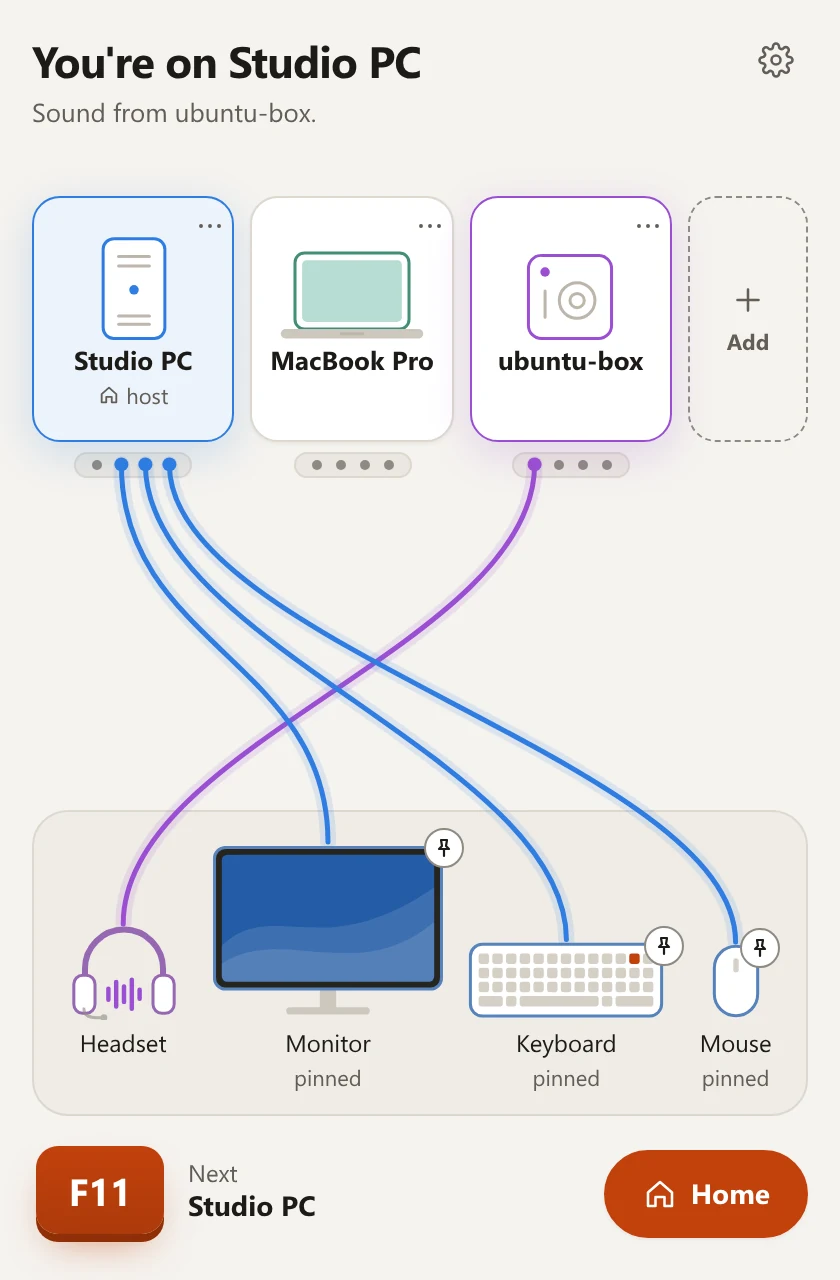
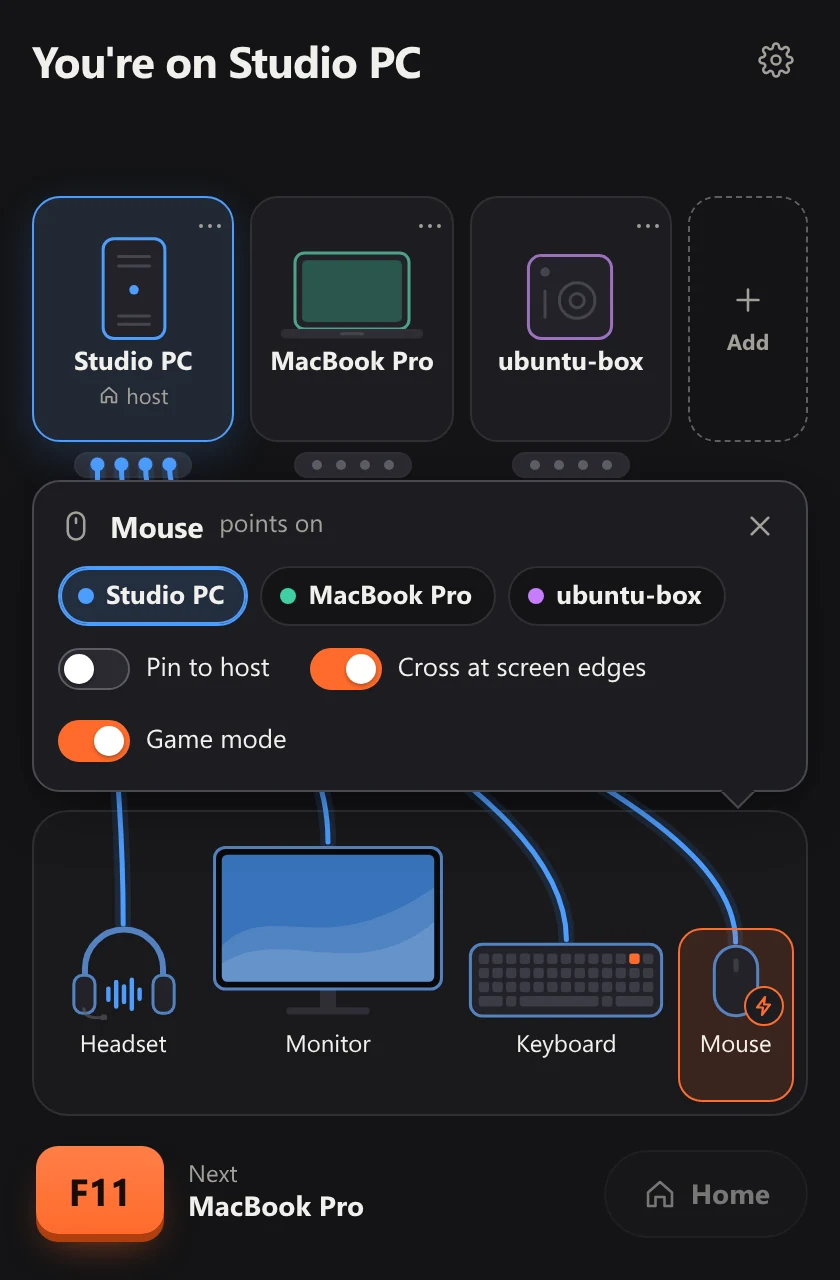
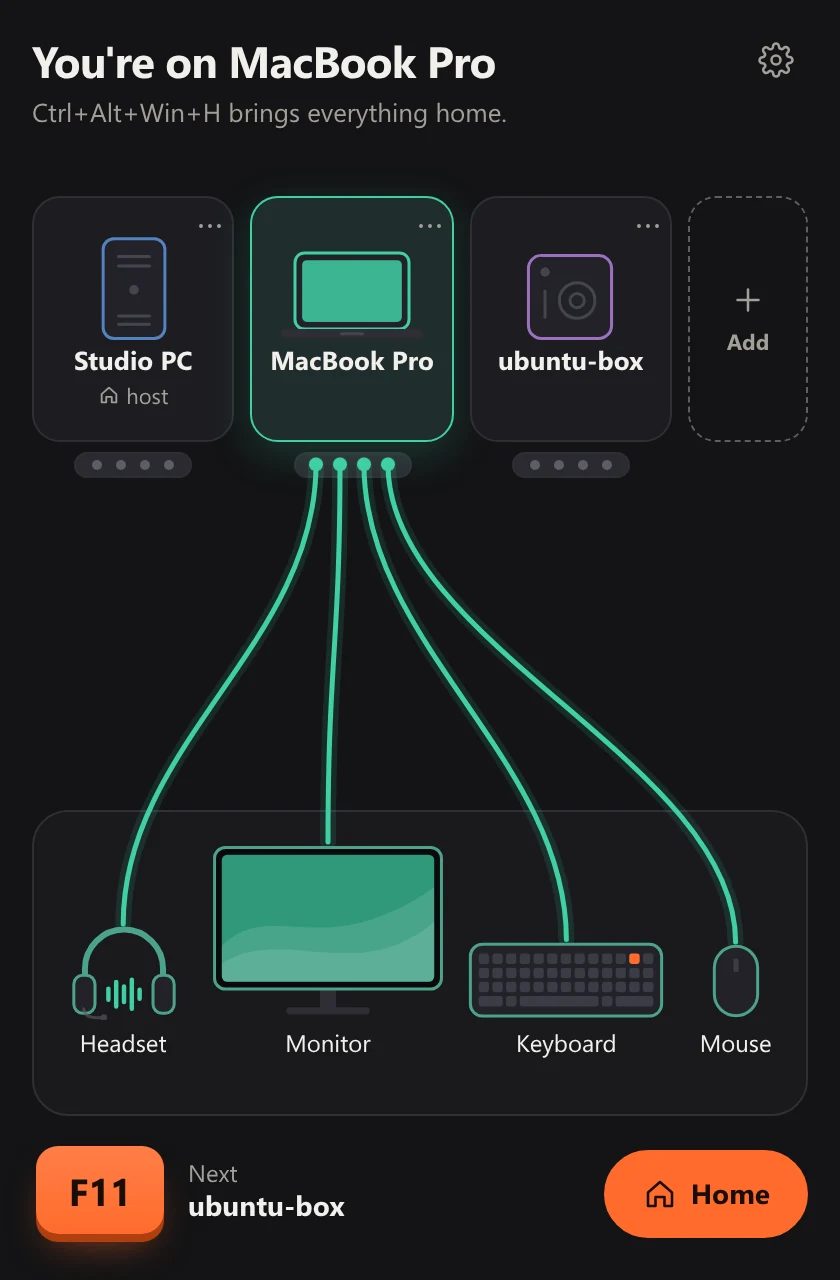
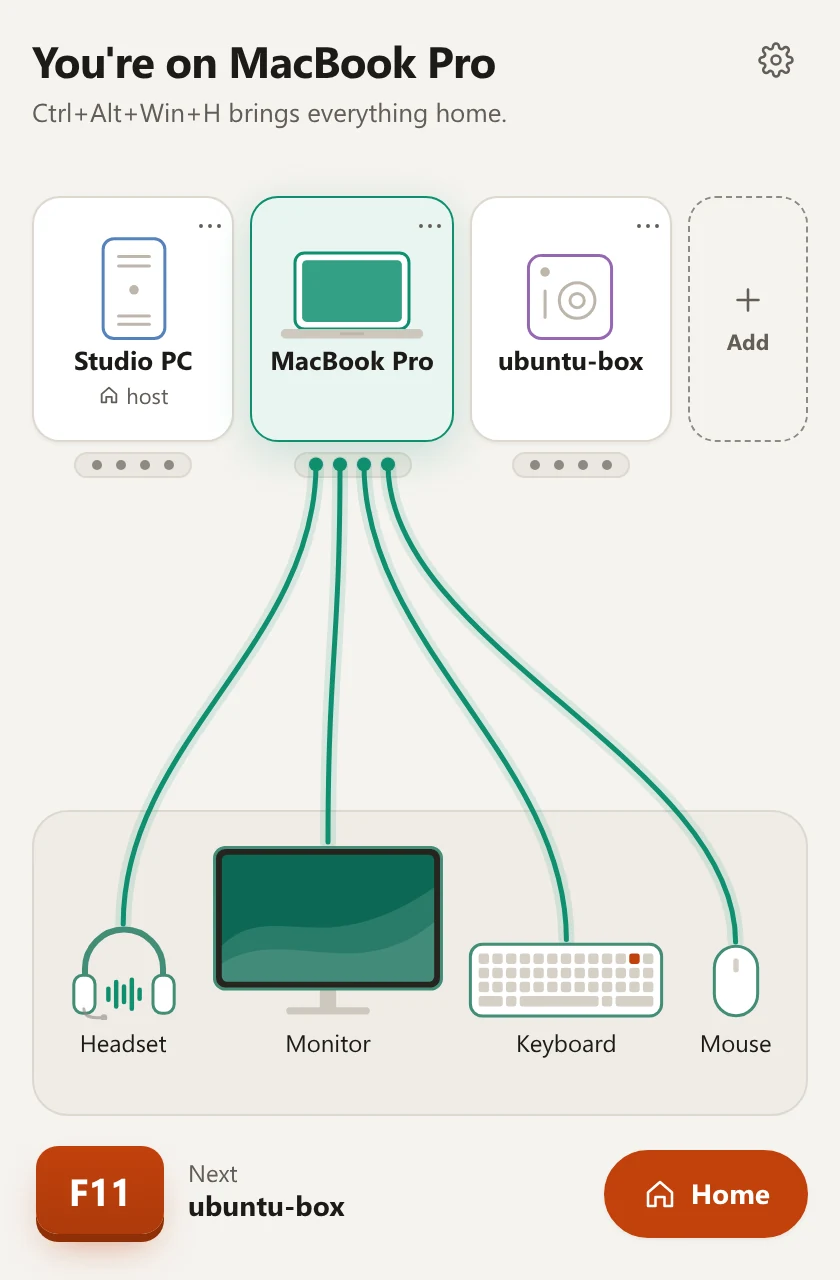
Your keyboard and mouse stay plugged into one computer, the host. One key sends what you type and where you point to the next computer, and the same key takes you on or back.
- You do
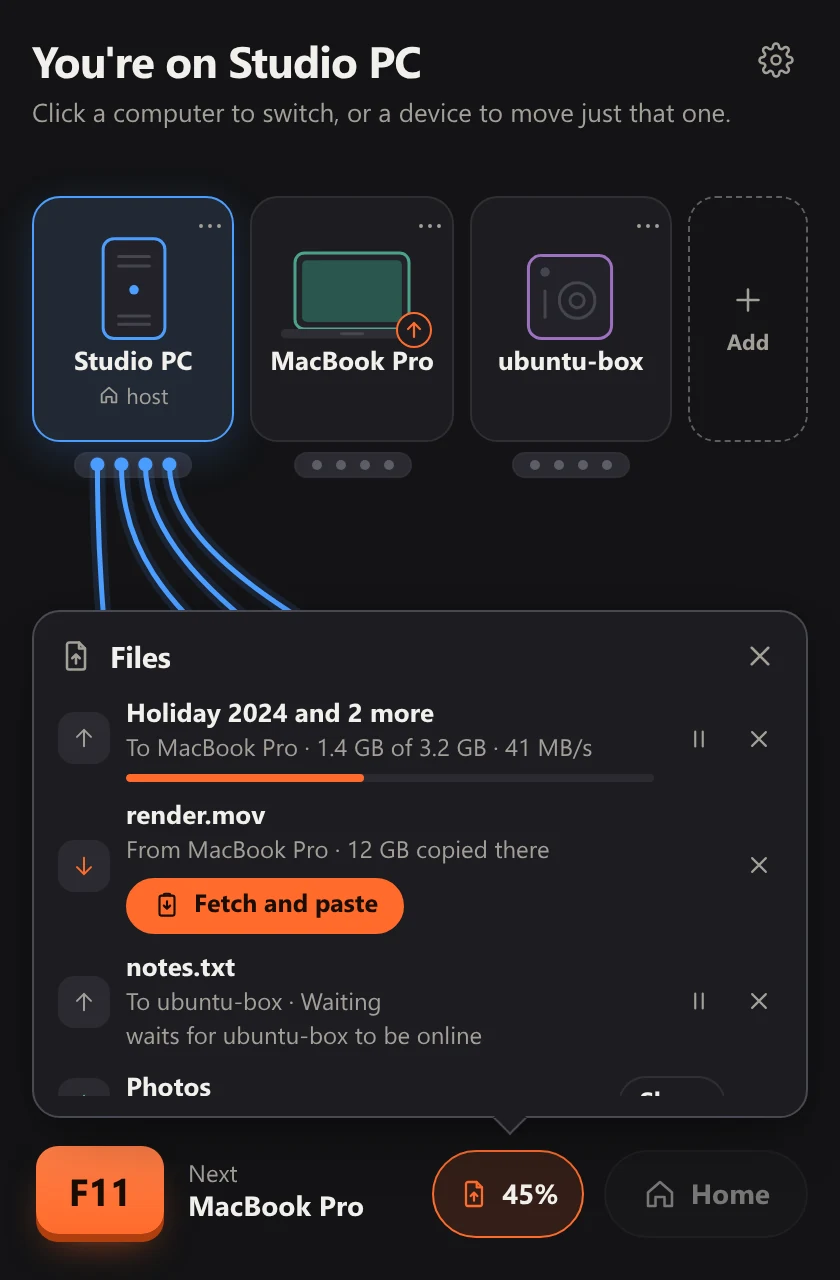
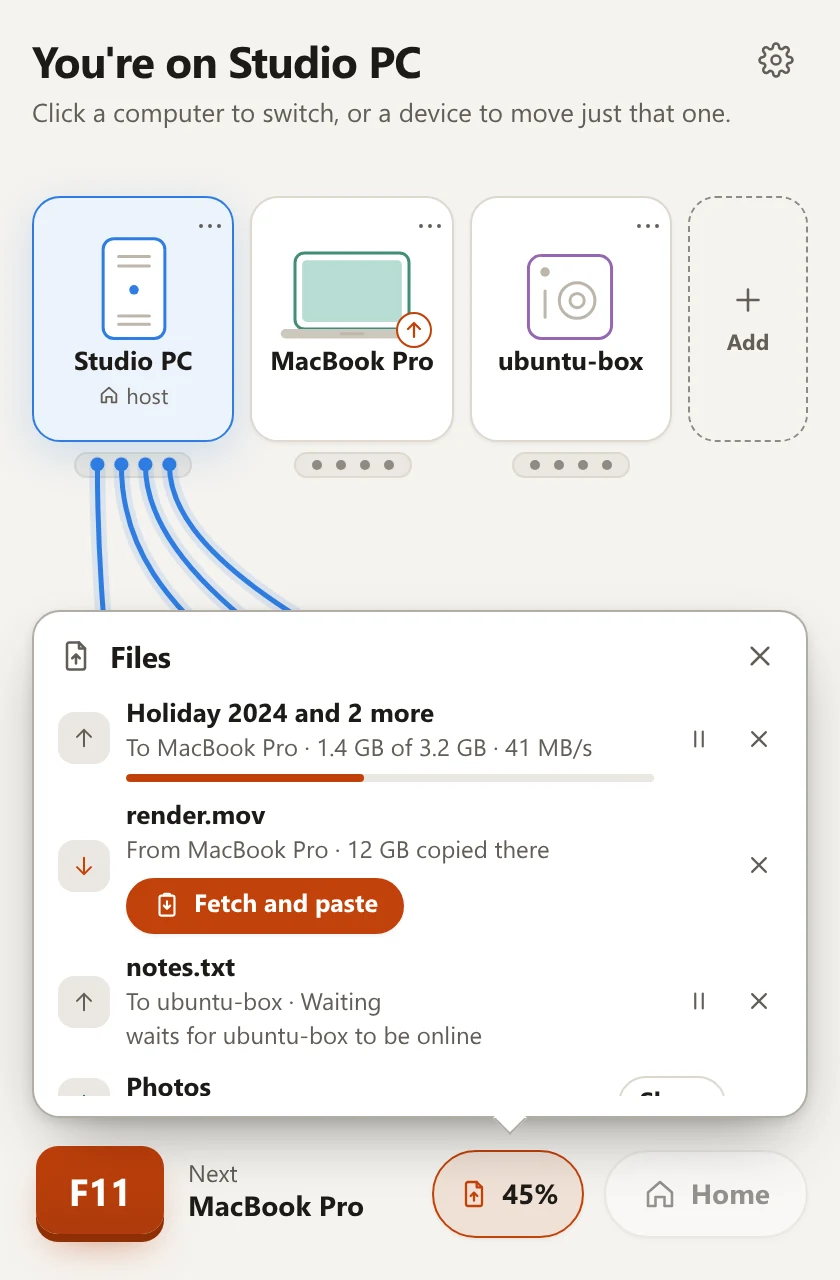
- Press F11; on an Apple keyboard, Fn+F11. Or click a computer in the Hotseat window. Another key can be chosen in Settings, Shortcuts.
- What happens
- The keyboard and mouse move when you let the key go, and F11 itself is not typed anywhere. With two computers the key takes you there and back; with three it goes round. Home brings everything back to the host: Ctrl+Alt+Win+H, with Command on a Mac or Super on Ubuntu in place of Win.
- It needs
- Hotseat running on each computer, and the computers paired on the same local network. Windows asks once, as it installs, to let it through the firewall; macOS asks for Accessibility and Local Network; Ubuntu asks for your password once, to set up its input service.
- Limits
- While Hotseat runs, F11 is its key: a browser no longer goes full screen with it. You can pick another.
- A computer that is asleep or switched off is passed by.
- If the computer you are on stops answering, the keyboard and mouse come home by themselves.